






TL;DR:
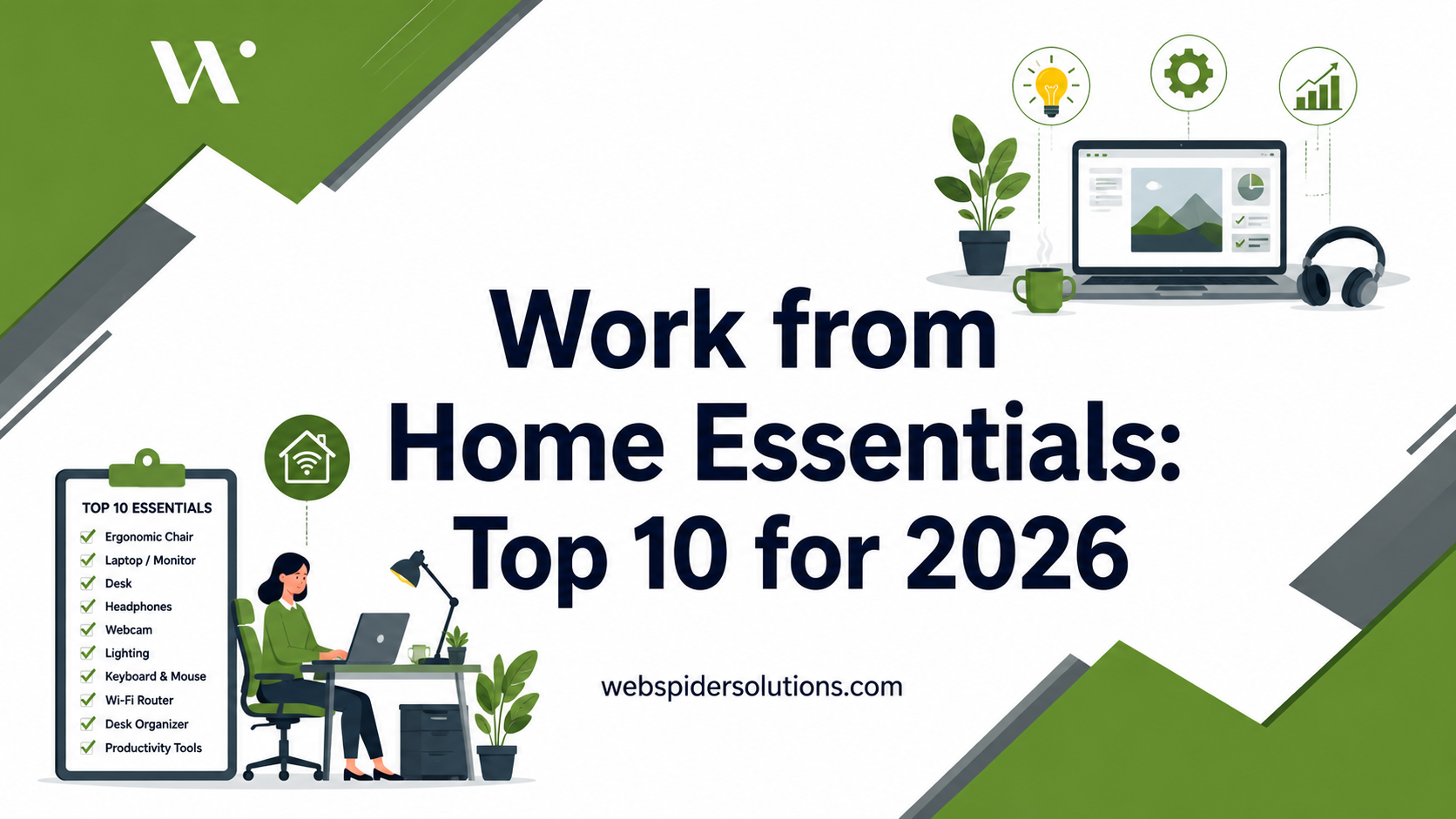
- The most important work from home essential is an ergonomic chair that supports proper posture. Setting up a functional workspace costs between $200 and $300, while premium setups can exceed $1,500. Correct monitor positioning and reliable wired internet improve productivity and reduce physical strain.
Work from home essentials are the tools, furniture, and technology that create a productive, healthy, and comfortable remote workspace. The difference between a frustrating home setup and a high-output one comes down to a short list of well-chosen items. Brands like Logitech, Sony, and Herman Miller dominate this space for good reason. Getting your home office setup right from the start saves you money, prevents injury, and protects your focus every single workday.
1. What are the top work from home essentials for remote workers?
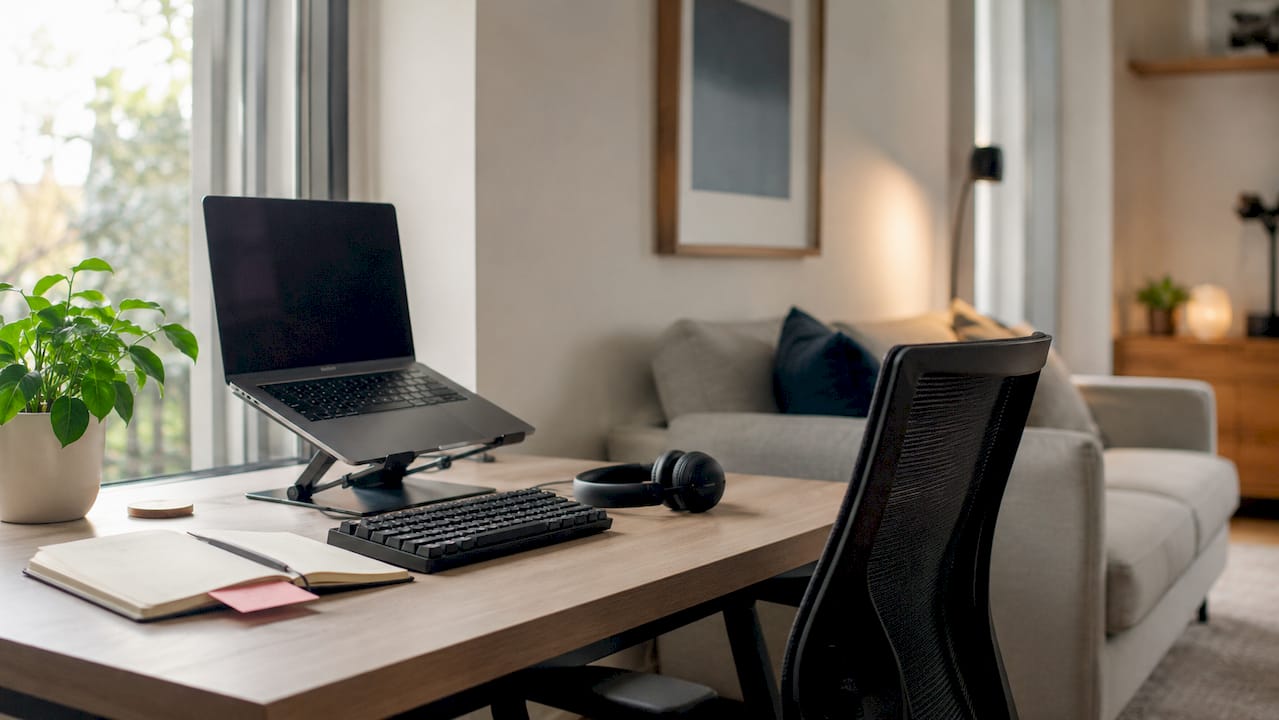
The single most impactful category of remote work products is ergonomic furniture, specifically your chair, desk, and monitor placement. Everything else builds on that foundation. A functional home office costs between $200 and $300 to set up at a basic level, while a premium ergonomic setup runs $1,500 to $2,500 or more. That range tells you exactly how much room there is to grow your setup over time.
The right approach is to prioritize by health impact first, then by workflow needs. Spending $800 on a standing desk before you have a proper chair is a common and costly mistake. Get the ergonomic basics locked in, then layer in tech and accessories.
2. Ergonomic chair: the most important purchase you will make
An ergonomic chair is the single best investment for your long-term health as a remote worker. Ergonomic chair investment can prevent tens of thousands of dollars in healthcare costs from repetitive strain injuries. A $1,500 to $2,000 chair sounds steep until you compare it to $10,000 or more in physical therapy and lost workdays.
Look for lumbar support, adjustable armrests, seat depth control, and a recline function. Chairs like the Herman Miller Aeron and Steelcase Leap are the gold standard. If your budget is tighter, brands like Branch and Autonomous offer solid ergonomic chairs in the $300 to $500 range.
Pro Tip: Adjust your chair so your feet rest flat on the floor, your knees sit at a 90-degree angle, and your lower back makes full contact with the lumbar support. Most people skip this step and wonder why their back still hurts.
3. Desk: size and surface matter more than style
Your desk sets the physical boundaries of your workspace. Prioritize a desk that is at least 48 inches wide by 24 inches deep. That minimum gives you room for a monitor, keyboard, mouse, and a notepad without crowding. Anything smaller forces you into awkward postures that compound over hours.
Standing desks add value, but only when used correctly. Alternating between sitting and standing is better than standing all day. A fixed desk with a separate standing converter is a cost-effective way to get that benefit without buying a full motorized frame.
| Setup tier | Desk type | Estimated cost |
|---|---|---|
| Starter | Fixed desk, 48″x24″ | $80–$200 |
| Mid-range | Fixed desk with monitor arm | $200–$500 |
| Professional | Motorized standing desk | $500–$1,200 |
4. Monitor positioning: the overlooked productivity fix
Monitor placement is one of the most overlooked ergonomic factors in any home office setup. Most remote workers position their screens too low or too close, which causes neck strain and eye fatigue within hours. The fix costs nothing if you already own a monitor arm or a stack of books.
Position your monitor 50–70 cm away from your eyes, with the top of the screen slightly below eye level. Your gaze should angle downward 15–20 degrees. That position keeps your neck neutral and your eye muscles relaxed across a full workday.
Pro Tip: Monitor positioning to avoid glare beats any peripheral software tool for maintaining focus. Place your screen perpendicular to windows, not facing them.
5. High-speed internet and wired connection
Reliable internet is the backbone of every remote work setup. A dropped call during a client presentation or a frozen video feed in a team standup costs you credibility fast. The fix is straightforward. A wired Ethernet connection is the most cost-effective upgrade you can make, often for as little as $15 for a quality cable.
Wi-Fi is convenient but inconsistent. Walls, microwave ovens, and neighboring networks all degrade your signal. If running a cable to your router is not possible, a powerline adapter or a mesh Wi-Fi node placed close to your workspace gives you the next best option.
6. External monitor for dual-screen productivity
A single laptop screen is the fastest way to cap your output. An external monitor gives you the screen real estate to keep reference material, communication tools, and your primary work visible at the same time. For most remote workers, a 27-inch monitor at 1440p resolution hits the best balance of size, sharpness, and price.
Brands like LG, Dell, and BenQ offer reliable panels in the $200 to $400 range. If you work with design, video, or data-heavy tasks, a 32-inch 4K display from LG or Samsung makes a measurable difference in accuracy and comfort.
7. Keyboard and mouse: ergonomic options prevent wrist strain
Your keyboard and mouse are the tools you touch every minute of every workday. Standard flat keyboards force your wrists into an unnatural upward angle called extension, which builds strain over months. The Logitech MX Keys is a widely trusted option for remote workers who type heavily. It offers a low-profile layout, quiet keys, and multi-device pairing.
For the mouse, a vertical design like the Logitech MX Vertical reduces forearm rotation and takes pressure off the tendons. Wireless options free up desk space and reduce cable clutter. Keyboard tray tilt to a neutral wrist position prevents strain that many setups overlook entirely.
8. Webcam and headset for professional communication
Built-in laptop cameras and microphones are not good enough for professional video calls. A dedicated webcam like the Logitech C920 or Logitech Brio delivers sharp, well-lit video that signals professionalism to clients and colleagues. Pair it with a quality headset and the difference in how you come across on calls is immediate.
For audio, the Sony WH-1000XM5 is the benchmark for noise-canceling headphones in remote work. Active noise cancellation blocks out household distractions during calls and deep work sessions. A USB condenser microphone like the Blue Yeti is the right choice if you do frequent presentations or recordings.
9. Lighting: the easiest upgrade most remote workers skip
Good lighting directly affects your health and output. Proper lighting reduces eye strain by up to 40% and improves mood across the workday. The target for a functional workspace is 300–500 lux of ambient light, which is roughly the brightness of a well-lit office.
Avoid harsh overhead fluorescent lights and direct sunlight on your screen. A dedicated desk lamp with adjustable color temperature, like the BenQ ScreenBar or Elgato Key Light, gives you control over brightness and warmth throughout the day. Bias lighting placed behind your monitor reduces the contrast between the bright screen and the dark wall, which cuts eye fatigue significantly.
10. Workspace organization and digital workflow tools
A cluttered desk creates a cluttered mind. Cable management trays, monitor arms, and desk organizers from brands like Twelve South or Grovemade keep your physical space clean and functional. Managing your digital space is equally important. Task-level collaboration platforms reduce communication gaps and improve asynchronous remote teamwork.
Tools like Notion, Asana, or Trello keep projects visible and reduce the mental load of tracking tasks across email threads. Grammarly handles writing quality across every platform you use. The combination of a clean physical desk and a well-organized digital workflow is what separates high-output remote workers from those who feel perpetually behind.
Pack-up rituals, such as closing your laptop and clearing your desk at the end of each day, create a psychological boundary between work and home life. That boundary reduces burnout. It is one of the most effective and free tools available to any remote professional.
Key takeaways
The most effective remote work setup prioritizes ergonomic furniture first, then reliable technology, then lighting and organization, because physical health directly determines sustained productivity.
| Point | Details |
|---|---|
| Chair is the top priority | Invest in an ergonomic chair before any other piece of furniture or technology. |
| Monitor placement is free to fix | Position your screen 50–70 cm away at a 15–20 degree downward gaze to prevent neck strain. |
| Wired internet beats Wi-Fi | A $15 Ethernet cable is the single best-value upgrade for connection stability. |
| Lighting reduces eye strain | Target 300–500 lux of ambient light and add bias lighting behind your monitor. |
| Rituals protect mental health | A daily pack-up routine creates the work-life boundary that prevents remote burnout. |
What I have learned from building and rebuilding home offices
Most remote workers spend money in the wrong order. They buy a standing desk, a ring light, and a mechanical keyboard before they have fixed their chair height or moved their monitor to the correct distance. The result is a visually impressive setup that still causes neck pain by 3 p.m.
The insight that changed my thinking: correcting posture with chair and monitor adjustments solves most pain issues without buying anything new. I have seen colleagues spend $2,000 on gear and still complain about back pain because they never adjusted their lumbar support or raised their screen. Spend 20 minutes dialing in your current setup before you buy anything.
The second thing most people miss is the psychological side. Creating a boundary between work and home through daily rituals reduces burnout more reliably than any productivity app. Closing your laptop at the same time each day, packing away your notebook, and physically leaving your workspace signals to your brain that the workday is over. That signal matters more than people expect.
My honest recommendation: build your setup in phases. Start with a quality chair and correct monitor placement. Add a proper desk in month two. Layer in lighting and peripherals after that. Consistent investment in ergonomic basics beats buying luxury items all at once. The future of remote work rewards people who build sustainable habits, not just impressive-looking desks.
Grow your remote business with Webspidersolutions
A great home office setup makes you more productive. Pairing that productivity with a strong online presence turns it into real business growth. Webspidersolutions helps remote professionals and digital teams build visibility, attract leads, and grow revenue through expert SEO, content marketing, and paid advertising. Whether you are building your first digital presence or scaling an existing one, the team at Webspidersolutions delivers strategies that produce measurable results. Start with the SEO strategy guide to see exactly what steps drive organic growth in 2026. You can also explore remote work productivity insights to sharpen how your team collaborates and communicates from home.
FAQ
What is the most important work from home essential?
An ergonomic chair is the single most important purchase for remote workers. It prevents repetitive strain injuries and supports posture across long workdays.
How much does a good home office setup cost?
A functional setup costs between $200 and $300. A premium ergonomic setup ranges from $1,500 to $2,500 or more depending on chair, desk, and monitor choices.
How should I position my monitor for ergonomic home office use?
Place your monitor 50–70 cm from your eyes with the top of the screen slightly below eye level. Your gaze should angle downward 15–20 degrees.
Does lighting really affect remote work productivity?
Good lighting reduces eye strain by up to 40% and improves mood. Target 300–500 lux of ambient light and add a desk lamp with adjustable color temperature.
What is the best budget upgrade for a home office?
A wired Ethernet cable is the best-value upgrade available. It costs around $15 and eliminates the connection drops that disrupt calls and workflow.