





TL;DR:
- Over half of small business websites lack valid SSL certificates, risking customer trust and revenue.
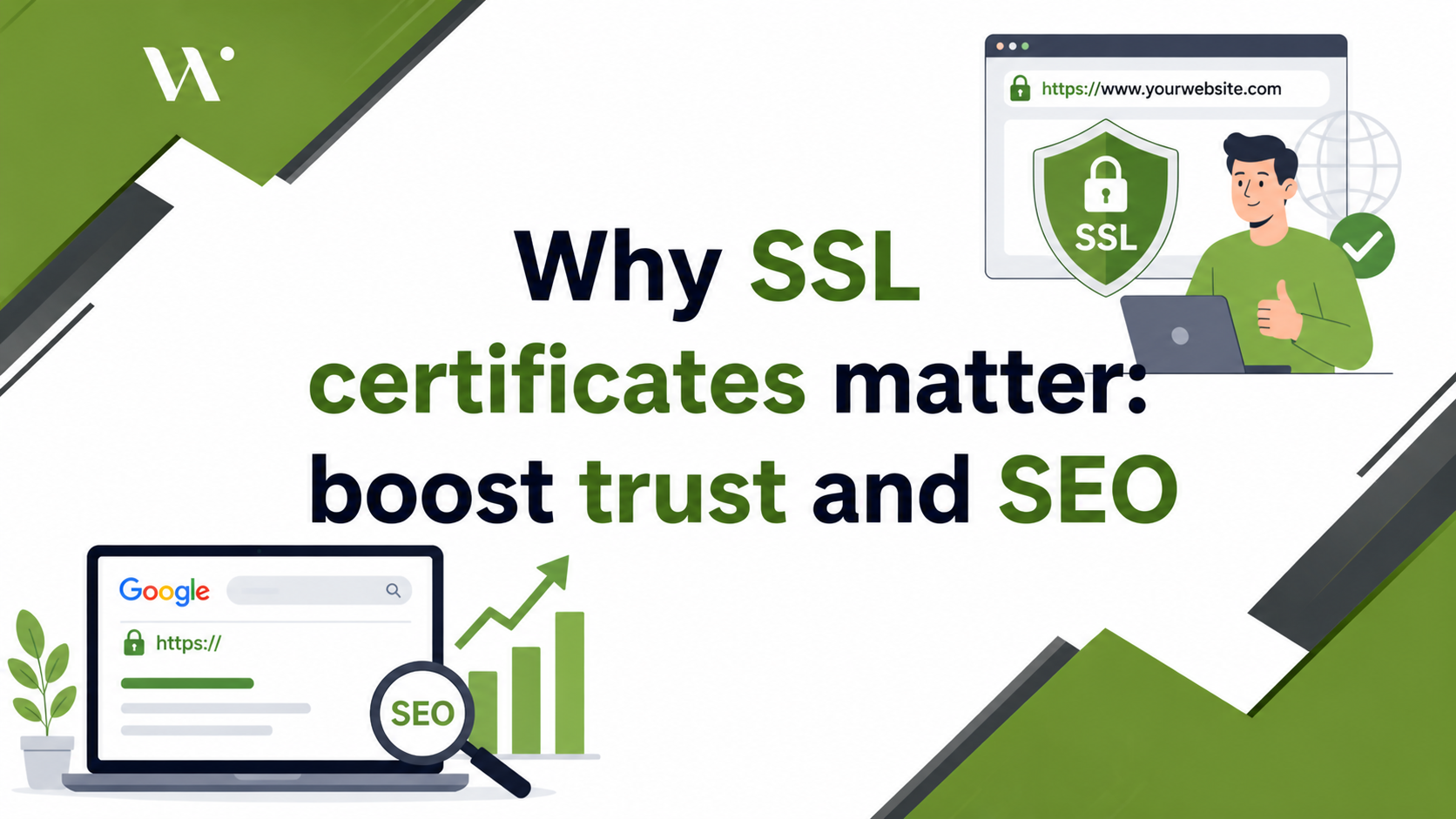
- SSL encrypts data, authenticates website identity, and improves search rankings for small businesses.
- Proper SSL management, including renewal and configuration, is essential to avoid security gaps and optimize growth.
More than half of small business websites still don’t use a valid SSL certificate, and that gap is costing owners real money every day. 53.9% of small business sites lack proper SSL, while 17% of online shoppers abandon their cart the moment they spot a security warning. If your site shows up without that little padlock in the browser bar, customers aren’t just hesitant — they’re clicking away. This guide breaks down exactly what SSL certificates do, why they’re non-negotiable for your site’s security and reputation, and how they can directly improve your search rankings and revenue.
Table of Contents
- What is an SSL certificate and how does it work?
- Why SSL certificates are essential for small business websites
- How SSL certificates boost SEO and business growth
- Common SSL mistakes and how to avoid them
- A fresh perspective on SSL certificates for SMBs
- Secure your website and accelerate growth with the right SSL approach
- Frequently asked questions
Key Takeaways
| Point | Details |
|---|---|
| SSL builds user trust | Users are far likelier to stay and convert on secure, trusted websites. |
| SSL boosts SEO | Search engines favor HTTPS, which can raise your rankings and organic traffic. |
| Avoid common SSL pitfalls | Proper setup and routine maintenance prevent trust loss and technical problems. |
| SSL is necessary for compliance | Meeting payment security standards with SSL protects your business legally and financially. |
What is an SSL certificate and how does it work?
Now that you see what’s at stake, it’s important to demystify what an SSL certificate actually is.
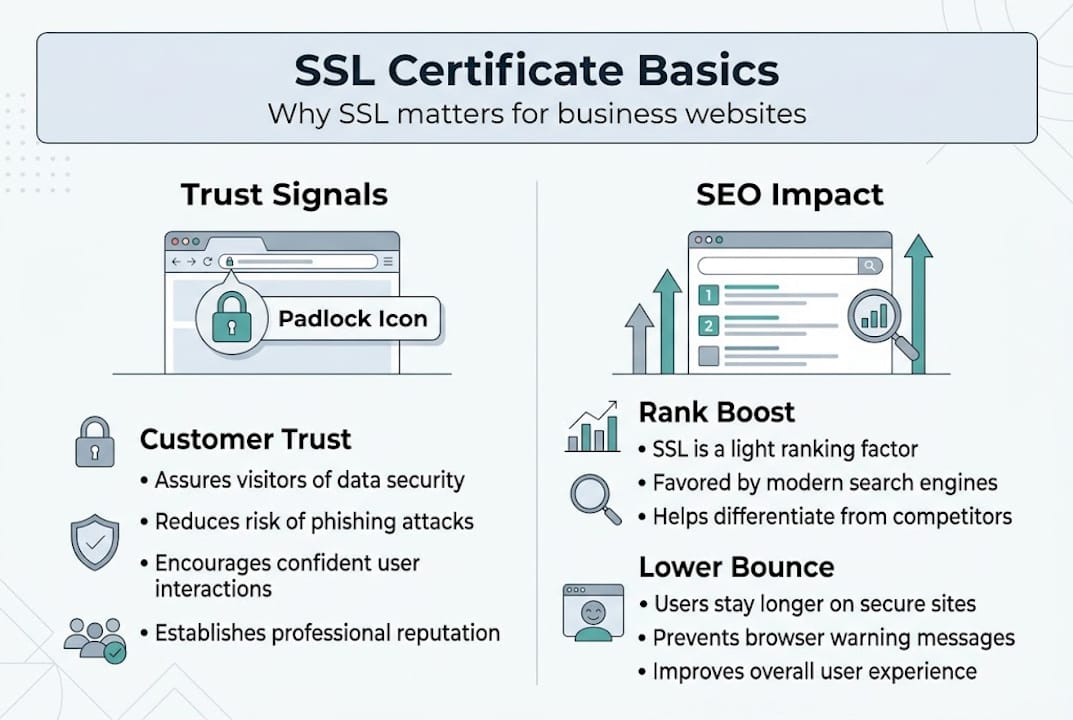
An SSL certificate is a small digital file installed on your web server that does two major things: it encrypts data traveling between your visitor’s browser and your server, and it proves your website’s identity is legitimate. When someone types your web address and hits enter, a handshake happens in milliseconds. The browser checks your certificate, verifies it was issued by a trusted authority, and then establishes an encrypted channel. Everything exchanged after that — passwords, credit card numbers, contact form entries — is scrambled and unreadable to anyone trying to intercept it.
Here’s where a common confusion comes up. Almost everyone still calls these “SSL certificates,” but SSL (Secure Sockets Layer) was actually deprecated years ago. What your website uses today is TLS (Transport Layer Security), specifically TLS 1.3, which delivers Perfect Forward Secrecy by default, a faster one-round-trip handshake, and no weak ciphers. The term “SSL cert” stuck around because it was familiar, but the underlying protocol is strictly TLS now. The certificate itself is technically an X.509 file — that’s the industry standard format used to bind a public key to your domain or business identity.
What does this certificate actually prove to your visitors?
- Encryption: All data sent to and from your server is encrypted and cannot be read by third parties.
- Authentication: The certificate confirms your site is the real one — not a phishing clone.
- Trust indicator: Browsers display the padlock icon and the “https://” prefix when your certificate is valid.
- Integrity: Data cannot be altered in transit without detection.
Now, not all SSL certificates are the same. There are three main types, and knowing which one fits your business is important. A Domain Validated (DV) certificate is the entry-level option — it only confirms you control the domain. It’s fast to get, often free through services like Let’s Encrypt, and perfectly adequate for blogs, portfolios, and basic service sites. An Organization Validated (OV) certificate requires the issuer to verify your business is real and legally registered. This adds another layer of credibility and is a smart choice for any business site handling user accounts or sensitive data. Finally, an Extended Validation (EV) certificate is the most rigorous — issuers verify legal status, physical location, and operational existence. Historically, EV certs triggered a green address bar in browsers, though modern browsers have simplified this display.
“A certificate is only as strong as the trust chain behind it. If any link in that chain is broken — expired intermediate cert, mismatched domain, or weak encryption — the entire protection fails.”
Good website security strategies go beyond just picking the right certificate type. The certificate is your foundation, but how it’s configured, renewed, and maintained determines whether it actually protects your customers.
Why SSL certificates are essential for small business websites
Once the basics are clear, understanding why SSL isn’t optional for small business owners is critical.
The most immediate, visible effect of missing SSL is what your potential customers see in their browser. Google Chrome, Firefox, Safari, and Edge all label sites without HTTPS as “Not Secure,” directly in the address bar. That warning appears before a visitor has read a single word of your content. According to data on browser security warnings, this causes 17 to 30% of users to leave a site immediately. For a small business with tight margins and hard-won traffic, that’s a brutal hit to take without even realizing it.
Beyond user perception, there’s a legal and financial compliance dimension. If your website accepts credit or debit card payments, you are required to comply with the PCI DSS (Payment Card Industry Data Security Standard). PCI DSS mandates that any website processing payments with SSL must use encrypted connections. A site running on plain HTTP is automatically non-compliant, which can lead to fines, losing the ability to accept card payments, and serious liability in the event of a data breach.
Here’s a clear look at how SSL status affects key business metrics:
| Metric | With SSL (HTTPS) | Without SSL (HTTP) |
|---|---|---|
| Browser label | Secure padlock | “Not Secure” warning |
| Cart abandonment risk | Low | 17 to 30% higher |
| Google ranking signal | Positive | Neutral or negative |
| PCI DSS compliance | Achievable | Non-compliant |
| Customer trust score | High | Significantly reduced |
The trust damage is cumulative. A visitor who leaves your site because of a security warning is unlikely to come back. They may tell others. Online reviews that mention security concerns are especially damaging for local businesses where reputation is everything.
Pro Tip: Even if you don’t sell anything directly on your site, you likely collect email addresses, phone numbers, or inquiry form submissions. That data is covered under privacy expectations and needs to be protected with HTTPS. Don’t assume SSL is only for e-commerce.
SSL also connects directly to your organic search visibility. You can read more about how HTTPS for SEO advantages translate into measurable ranking improvements. If you’re investing in SEO for small businesses, not having SSL undercuts that effort at the most basic level — Google simply won’t favor your site over a competitor running HTTPS.
How SSL certificates boost SEO and business growth
SSL certificates don’t just protect — they power growth by enhancing your online visibility.

Google officially confirmed HTTPS as a ranking signal back in 2014, and the weight of that signal has only grown since. For small businesses competing in local or niche markets, SSL boosts organic traffic by an average of 5 to 10% after implementation. That’s not a trivial gain when you consider the compounding effect of higher rankings over months and years.
The SEO benefits of SSL aren’t limited to raw rankings, though. They create a ripple effect across every metric you care about.
Here’s how SSL implementation improves search performance step by step:
- HTTPS is confirmed on your domain, and Google’s crawler registers the upgrade during its next crawl cycle.
- Rankings improve incrementally as Google’s algorithm weighs your site more favorably against HTTP competitors.
- Click-through rate (CTR) increases because searchers see HTTPS in your URL and associate it with trustworthy, professional sites.
- Bounce rate drops because visitors who land on your site don’t immediately see a security warning and flee.
- Session duration improves as visitors explore more pages with confidence.
- Conversions increase as the cumulative effect of trust, time on site, and reduced friction pushes more visitors to take action.
Here’s a side-by-side comparison showing the real-world difference SSL makes for a typical small business site:
| Factor | With SSL | Without SSL |
|---|---|---|
| Organic traffic trend | Upward | Stagnant or declining |
| Bounce rate | Lower | Higher |
| Conversion rate | Higher | Lower |
| Mobile search ranking | Favored | Penalized |
| User session duration | Longer | Shorter |
The connection between security and growth is real. If you’re serious about improving website rankings for SMBs, SSL is one of the cheapest and highest-impact technical changes you can make. It’s also closely tied to other SEO ranking factors like page speed and mobile usability — sites running modern TLS 1.3 benefit from the faster handshake, which shaves milliseconds off load time.
One thing that surprises many business owners is how quickly the SEO impact can show up. After correctly migrating from HTTP to HTTPS and setting up 301 redirects from all old URLs, many sites see ranking movement within four to six weeks. The key word there is “correctly” — which brings us to the most overlooked side of SSL.
Common SSL mistakes and how to avoid them
Of course, not all SSL setups are foolproof — mistakes here can undermine every benefit discussed.
Getting an SSL certificate installed is only half the job. The other half is making sure your entire site actually runs securely on HTTPS, and that the certificate stays valid and properly configured over time. A surprising number of small business sites have SSL certificates that are technically installed but practically broken in ways that still expose visitors to risk.
The most common SSL errors you need to watch for:
- Mixed content errors: This happens when your site loads over HTTPS but some elements — images, scripts, stylesheets — still load over HTTP. Browsers flag this, and the padlock disappears or shows a warning. Mixed content breaks HTTPS protection and causes errors on mobile devices in particular.
- Expired certificates: SSL certificates have expiration dates, typically one year. When a cert expires and isn’t renewed, browsers immediately display a full-page “Your connection is not private” warning. This kills trust instantly and tanks your traffic.
- Incomplete certificate chains: Your certificate needs to be trusted by browsers through a chain of certificates leading back to a root authority. If an intermediate certificate is missing from your server configuration, some browsers — especially older ones and many mobile browsers — will reject the connection.
- Missing HSTS header: HTTPS Strict Transport Security (HSTS) tells browsers to always use HTTPS for your site, even if a user types your address without it. Without HSTS, users can still occasionally land on the HTTP version of your site.
- Wrong domain name on the certificate: A certificate issued for won’t automatically cover “yourdomain.com.” You need a certificate that covers both, or a wildcard certificate that covers all subdomains.
“An SSL certificate with mixed content errors or an incomplete chain is like a lock on a door with no walls. The visible security signal is there, but the actual protection has gaps.”
Pro Tip: Set up automatic certificate renewal with your hosting provider or certificate authority. Most modern platforms — including cPanel hosts and services like Let’s Encrypt via Certbot — offer auto-renewal. Pair that with a calendar reminder 30 days before your cert expires as a manual backup.
Routine audits are non-negotiable. Tools like SSL Labs’ free SSL Test let you scan your domain and get a letter grade on your SSL configuration. A grade of A or A+ means you’re properly set up. Anything lower points to specific issues to fix. Pair that with a solid technical SEO checklist to make sure your HTTPS setup supports your full search performance — not just security.
A fresh perspective on SSL certificates for SMBs
Here’s the uncomfortable truth most SSL guides won’t tell you: most small businesses treat SSL as a checkbox. They install a free certificate, watch the padlock appear, and never think about it again. That’s exactly when it becomes a liability.
We’ve worked with businesses that discovered their certificate had been expired for weeks before anyone noticed. During that time, they were hemorrhaging traffic, losing conversions, and damaging brand credibility — all while assuming everything was fine. The “set and forget” approach to SSL is one of the most expensive mistakes an SMB can make, precisely because the cost is invisible until something goes wrong.
The smarter play is to treat your SSL certificate the way you treat your business insurance — as something that needs active management, periodic review, and layering with other protections. The modern HTTPS benefits go well beyond just having encryption. When you combine a properly maintained SSL setup with content security policies, HTTP security headers, and regular audits, you create a hardened site that not only protects customers but signals genuine professionalism to both users and search engines.
Your competitors who only install SSL and move on are leaving a competitive gap wide open. Fill it by treating SSL as one active layer in a living security strategy — not a task you tick off and forget.
Secure your website and accelerate growth with the right SSL approach
Taking action on SSL is one of the highest-return investments a small business can make online. It directly builds customer trust, keeps your site compliant with payment standards, and feeds the search ranking improvements that bring in more visitors. But the technical side is only part of the picture.
At Webspider Solutions, we help SMBs move beyond the basics by pairing solid security foundations with proven growth strategies. Whether you need a complete SEO strategy guide to maximize your HTTPS advantage or want to build a fast, trustworthy site from scratch with our affordable web design packages, we bring together the technical expertise and digital marketing strategy your business needs to compete confidently. Let’s make sure your online presence is secure, visible, and built to grow.
Frequently asked questions
Is SSL still relevant in 2026 or has it been replaced?
The term SSL is still commonly used, but all modern certificates actually provide TLS encryption, which is stronger, faster, and the current standard for website security. SSL itself was deprecated years ago.
How does an expired SSL certificate affect my website?
An expired SSL certificate makes browsers display a full-page warning, driving customers away immediately and hurting both your reputation and search rankings. Expired certs trigger warnings that are nearly impossible for non-technical users to bypass.
Do I need a paid SSL certificate for my small business?
For most small businesses, a free DV certificate provides adequate encryption and PCI compliance, but paid OV or EV certificates add business identity verification and additional trust signals for e-commerce sites.
What are common reasons why SSL fails after installation?
SSL most often fails after installation due to mixed HTTP/HTTPS content, an expired certificate, or a missing intermediate certificate in the chain. Each of these triggers browser warnings even when the certificate was originally set up correctly.