






TL;DR:
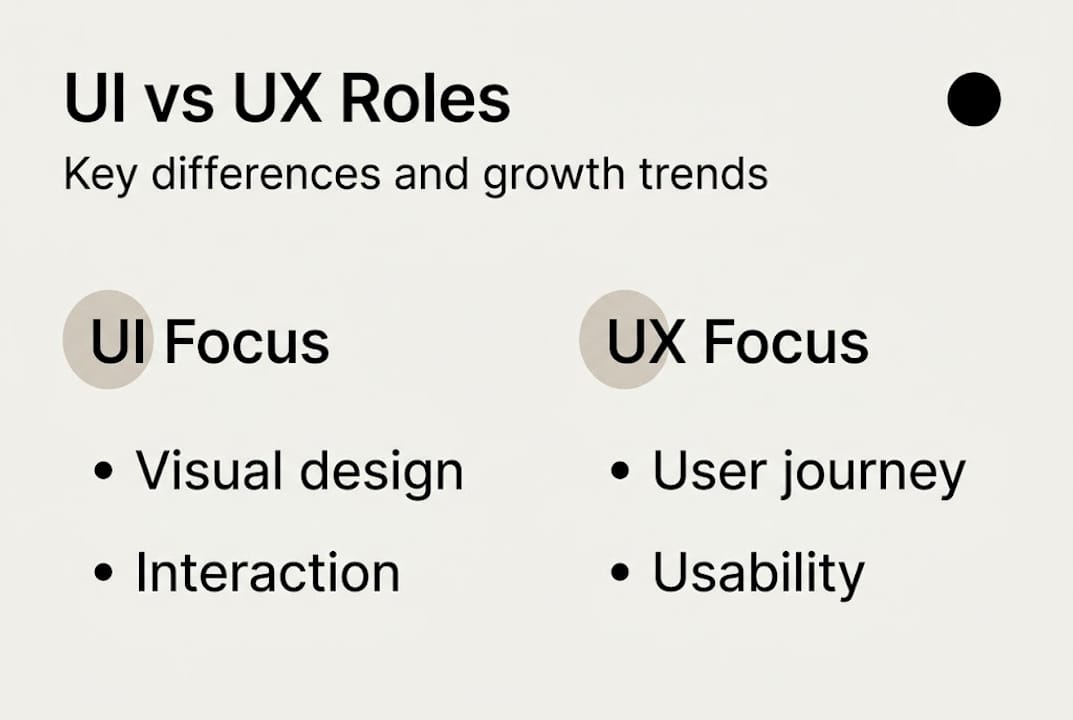
- UI focuses on visual design and first impressions, while UX addresses the overall user journey and usability. Both are interdependent and essential for driving conversions and building trust. Investing sequentially in UX first and then UI, combined with integrated teamwork, yields better digital marketing results.
Most business owners treat UI and UX as two words for the same thing. They’re not, and mixing them up costs you real money. When a site looks gorgeous but users still abandon their carts, that’s a UX failure. When users love the flow but bounce because the design feels cheap, that’s a UI failure. Understanding exactly where each discipline begins and ends gives you a sharper lens for diagnosing what’s holding your website back. This guide breaks down both concepts, shows how they work together, and gives you a clear framework for using them to drive better digital marketing results.
Table of Contents
- What is UI? Visual elements that shape first impressions
- What is UX? The user journey from start to finish
- UI and UX: How they interact and why you need both
- choosing the right focus: UI, UX, or both for your business
- Our take: Stop thinking of UI and UX as a contest, think teamwork
- Level up your website’s UI and UX with expert help
- frequently asked questions
Key Takeaways
| Point | Details |
|---|---|
| UI shapes first impressions | The look and feel of your website is crucial for engaging visitors quickly. |
| UX drives user satisfaction | A seamless journey keeps users happy and more likely to convert or return. |
| UI and UX need synergy | Effective digital platforms integrate both UI and UX for best business outcomes. |
| Start with UX for ROI | Address core user problems first to maximize your investment in design. |
What is UI? Visual elements that shape first impressions
Every time a visitor lands on your website, they form an opinion before they read a single word. That opinion is shaped almost entirely by your User Interface, or UI. [UI focuses on visual and interactive elements] and touch, such as layout, buttons, icons, typography, color, and responsive design. It is the look and feel of your product, the polish that says “we’re professional” or “we’re not.”
Think of UI as the storefront window of a retail shop. If the display is cluttered, outdated, or hard to read, customers walk past. The same logic applies online.
Here are the core UI elements every business owner should know:
- Layout: How content, images, and white space are arranged on screen
- Typography: Font choices, sizes, and hierarchy that guide the eye
- Color palette: Colors that reflect brand identity and direct attention
- Icons and imagery: Visual cues that speed up navigation
- Button design: Shape, size, color, and placement of clickable elements
- responsiveness: How the design adapts to mobile, tablet, and desktop screens
Good UI versus bad UI is not always obvious until you look closely. A clean homepage with one prominent call to action is strong UI. A page with five competing banners, three font styles, and buttons that blend into the background is weak UI, even if each individual element is technically well made. Following web design best practices means making intentional choices about every visual element so nothing competes for attention unnecessarily.
UI also plays a critical role in how users perceive your brand. A consistent visual language across your website builds trust faster than any tagline. If your branding with website design is cohesive, users feel reassured. If it is inconsistent, they question your credibility before they even see your offer.
Pro tip: Visual appeal grabs attention, but clear structure keeps it. Before worrying about color schemes, make sure your layout guides the eye naturally toward your most important action.
What is UX? The user journey from start to finish
If UI is your storefront, UX is the entire shopping experience inside. UX, or User Experience, focuses on the overall user journey, usability, accessibility, and ensuring the product meets user needs through research, information architecture, wireframing, and testing. It is less about what users see and more about what they feel as they move through your site.
UX is research-driven by nature. Before a single screen gets designed, UX work involves understanding who your users are, what they need, where they get confused, and what motivates them to take action. The core UX elements include:
- User research: interviews, surveys, and behavioral analytics
- Information architecture: logical structure and labeling of content
- wireframing: low-fidelity sketches mapping out page flows
- prototyping: clickable mockups tested before full build
- usability testing: real users completing real tasks to expose friction
- accessibility: making the experience usable for people with disabilities
The outcomes of strong UX are measurable. Users who find what they need quickly come back. Users who hit dead ends, confusing menus, or slow-loading pages leave and often do not return. Website design for ROI consistently points to UX as the driving variable, not aesthetics alone.
UX uses data-driven research and testing while UI uses visual principles. Poor UX cannot be fixed by great UI, so invest in UX first for real ROI.
One mistake we see constantly: businesses invest in a visual redesign without ever asking why users were leaving in the first place. A beautiful new homepage built on a broken user flow still converts poorly. boosting conversions with design requires that you fix the journey before you fix the visuals.

Pro tip: Before adding a new feature or launching a redesign, spend a week mapping where users drop off. That data will tell you more than any focus group.
UI and UX: How they interact and why you need both
Here is where a lot of smart business owners get tangled. They understand each concept individually but still try to prioritize one over the other. The reality is that UI and UX are interdependent; good UI enhances UX by providing appealing visuals, while UX provides the structure that UI sits on top of.
Think of it this way. UX is the architecture of a building, and UI is the interior design. You can have stunning furniture and art in a building with a broken floor plan, but guests will still feel lost. You can have a perfect floor plan with ugly, worn-out furniture, and guests will feel uncomfortable. Both matter, and they feed each other.
| Feature | UI | UX |
|---|---|---|
| Focus | Visual and interactive design | Overall user journey and usability |
| Key tools | Style guides, color systems, prototypes | User research, wireframes, testing |
| Primary goal | Create appealing, functional interfaces | reduce friction and meet user needs |
| Who measures it | designers, brand managers | product managers, analysts |
| Business impact | First impressions, brand trust | conversions, retention, loyalty |
A common misconception is that UI is “just colors” or that UX is “just user testing.” Both are far deeper. Some see UI as UX’s surface layer, others view them as distinct but complementary disciplines. What they agree on: neither is more important in isolation.
The real-world consequence of ignoring one is blunt. You can run the best paid campaign in your industry and drive thousands of clicks, but if the landing page has poor website conversion practices because of a bad UX flow, you lose that budget immediately. And if UX is perfect but the design looks untrustworthy, users will hesitate before they ever convert. improving conversion rates requires both working in sync.
choosing the right focus: UI, UX, or both for your business
Knowing the difference is one thing. knowing where to invest your next dollar is another. Here is a practical framework for making that call.
When to prioritize UX first:
- You are seeing high bounce rates or cart abandonment
- Users complain about confusion or can’t find key pages
- You haven’t done any formal user research in the last 12 months
- You are building a new product or landing page from scratch
When to prioritize UI first:
- Your brand identity has evolved but your site looks outdated
- Users understand the flow but the visuals feel unpolished or inconsistent
- You are running campaigns where landing page credibility affects conversion
For most small and medium businesses, the right answer is both, in sequence. Here is a simple process to follow:
- audit your current UX by reviewing heatmaps, session recordings, and user feedback
- fix the flow first: address confusing navigation, broken funnels, or inaccessible pages
- layer in UI improvements once the structure is solid, focusing on brand consistency and visual hierarchy
- test and iterate using A/B tests tied to specific conversion goals
- align your CRO workflow for B2B so UX and UI improvements are tied to measurable business metrics
The market reflects how seriously businesses are taking this. Digital design employment will grow 8% from 2023 to 2033, adding 18,600 jobs, with a median salary of $98,540 as of May 2023. Companies that already invest in strong UI/UX talent are pulling ahead.
| Design role focus | 2023 median salary | projected job growth (2023-2033) |
|---|---|---|
| UI/UX and web designers | $98,540 | 8% (18,600 new jobs) |
Making your CTAs to boost conversions work harder is as much a UX problem as it is a copywriting one. If users can’t find your call to action because of poor visual hierarchy, no amount of compelling copy will save it.
Our take: Stop thinking of UI and UX as a contest, think teamwork
Conventional wisdom in design circles often pits UI and UX against each other, arguing about which discipline deserves the bigger budget or the final say. We’ve seen this play out inside businesses too, where the design team owns UI and the product or marketing team owns UX, and the two sides rarely talk until something breaks.
That siloed approach is one of the most expensive mistakes a growing business can make. The brands that consistently win online are the ones where UX research informs the visual design choices from day one, not as an afterthought. Data tells you where the problem is. Good UI tells you how to fix it in a way that also builds trust.
Our honest observation: businesses that treat UI and UX as a conversation, not a competition, ship better products, retain more customers, and spend less fixing avoidable problems. As we head into a period shaped by 2026 digital marketing trends, the gap between integrated and siloed design teams will only widen.
Pro tip: At the start of your next web project, put your UX findings and your UI direction in the same room. Even a 30-minute alignment meeting can prevent weeks of rework.
Level up your website’s UI and UX with expert help
If you’re ready to translate today’s insights into business growth, here’s where you can start. At Web Spider Solutions, we specialize in building digital experiences where strong web design improvements meet strategic UX thinking. Whether you need a complete visual refresh or a deep audit of your user flows, our affordable web design packages are built to deliver measurable results for small and medium businesses. For a broader look at how design connects to organic growth, our SEO strategy guide walks you through how structure, speed, and usability intersect with rankings. Let’s build something that works as well as it looks.
frequently asked questions
Can I have good UX without a good UI?
No. While great UX relies on research and structure, poor UI undermines even a well-designed experience by making it confusing or visually untrustworthy to users.
How do I know if my website has a UI or UX problem?
UI issues typically show up as confusing layouts or visual inconsistencies; UX problems appear as drop-offs or poor conversions even when the site looks polished and professional.
which should I invest in first: UI or UX?
Prioritize UX first to identify and fix user pain points; investing in UX first delivers stronger ROI because no amount of great UI can rescue a broken user flow.
Are UI and UX becoming more important for small businesses?
Yes. Digital design jobs growing 8% through 2033 reflects how seriously businesses of all sizes are treating UI and UX as core competitive investments.
Recommended