







Slow-loading websites frustrate users and can quietly undermine months of careful digital marketing. For SaaS companies operating in a crowded global market, every second of delay reduces engagement and damages search ranking potential. By focusing on user-centric web performance metrics and proven technical strategies, you will uncover specific actions to help your site load faster, satisfy users, and outperform competitors in search.
Table of Contents
- Step 1: Assess Current Website Speed And Bottlenecks
- Step 2: Implement Caching And Minimize Assets
- Step 3: Optimize Images And Media Files
- Step 4: Leverage Cdn And Advanced Hosting Options
- Step 5: Verify Improvements With Speed Testing Tools
Quick Summary
| Main Insight | Description |
|---|---|
| 1. Analyze Website Speed | Use tools like Google PageSpeed Insights to identify performance bottlenecks and metrics. |
| 2. Optimize Assets Efficiently | Implement caching, minify files, and reduce HTTP requests for faster load times. |
| 3. Improve Image Quality | Utilize advanced compression and appropriate formats like WebP to reduce image sizes. |
| 4. Leverage CDN for Speed | Select a global CDN to enhance content delivery and minimize latency for users worldwide. |
| 5. Regularly Test Performance | Conduct periodic speed tests to assess and verify improvements after optimization efforts. |
Step 1: Assess current website speed and bottlenecks
To improve your website’s SEO performance, you first need to diagnose its current speed and performance bottlenecks. Understanding how web performance metrics impact user experience is crucial for creating a faster, more responsive site.
Begin by using professional performance analysis tools like Google PageSpeed Insights, GTmetrix, or WebPageTest to generate comprehensive speed reports. These tools will help you evaluate critical metrics such as:
- Time to First Byte (TTFB)
- First Contentful Paint (FCP)
- Largest Contentful Paint (LCP)
- Total page load time
- Server response times
As you review the results, pay close attention to specific performance indicators that reveal potential bottlenecks. Look for issues like large image file sizes, unoptimized JavaScript, excessive HTTP requests, and slow server response times. Each of these factors can significantly degrade your website’s loading speed and negatively impact user experience.
Here’s a comparison of popular website speed testing tools and their key capabilities:
| Tool Name | Core Metrics Measured | Unique Advantage |
|---|---|---|
| Google PageSpeed Insights | Core Web Vitals, device-specific | Actionable optimization suggestions |
| GTmetrix | Waterfall analysis, LCP, TTFB | Historical performance tracking |
| WebPageTest | Advanced test settings, multi-location | Filmstrip and video diagnostics |
| Pingdom | Page size, requests, load order | User-friendly performance grades |
Identifying and addressing performance bottlenecks early can dramatically improve your website’s SEO rankings and user engagement.
Pro tip: Run performance tests from multiple geographic locations to get a comprehensive view of your website’s global loading performance.
Step 2: Implement caching and minimize assets
Optimizing website performance requires strategically implementing caching mechanisms and reducing asset complexity. By understanding how to minimize resource delivery overhead advanced image compression techniques, you can dramatically improve your site’s loading speed and user experience.
Start by configuring browser and server-side caching to store static resources efficiently. This involves setting appropriate cache headers for different types of assets like images, CSS, and JavaScript files. Key strategies include:
- Leverage browser caching for static assets
- Implement server-side caching mechanisms
- Compress and minify CSS and JavaScript files
- Use content delivery networks (CDNs)
- Enable gzip compression
Focus on reducing the total number of HTTP requests by combining and minifying your CSS and JavaScript files. Remove unnecessary code, eliminate render-blocking resources, and use techniques like lazy loading for images and scripts. This approach helps streamline asset delivery and reduces the overall load time for your website.
Effective asset minimization can reduce page load times by up to 50% and significantly improve search engine rankings.
Pro tip: Use automated tools like webpack or Gulp to automatically minify and optimize your front-end assets during the build process.

Step 3: Optimize images and media files
Improving website performance requires strategic image and media optimization. By implementing advanced image compression techniques, you can significantly reduce load times and enhance user experience.
Start by selecting the most appropriate image formats for your website. Modern formats like WebP offer superior compression without sacrificing quality. Your optimization strategy should include:
- Convert images to WebP format
- Implement responsive image techniques
- Use appropriate image dimensions
- Enable lazy loading for images
- Compress images without quality loss
Focus on reducing image file sizes through intelligent compression methods. Use tools like ImageMagick, TinyPNG, or content delivery networks that automatically resize and optimize images. Implement responsive image techniques that serve different image sizes based on the user’s device screen, ensuring faster loading and better performance across various platforms.
Properly optimized images can reduce page load times by up to 70% and significantly improve overall website performance.
Pro tip: Automate your image optimization process by integrating build tools that automatically compress and convert images during website deployment.
Step 4: Leverage CDN and advanced hosting options
Taking your website performance to the next level requires strategic investment in network infrastructure optimization. Content Delivery Networks (CDNs) and advanced hosting solutions can dramatically improve your site’s global accessibility and loading speed.
Choose a robust hosting provider that supports modern performance technologies. Your hosting strategy should incorporate several critical elements:
- Select global CDN providers
- Ensure HTTP/2 protocol support
- Implement TLS for secure connections
- Choose scalable server infrastructure
- Enable edge caching capabilities
When selecting a CDN, prioritize providers with extensive global point-of-presence networks that can distribute your content closer to end users. This approach minimizes latency and ensures consistent performance across different geographic regions. Look for providers offering intelligent caching, automatic image optimization, and seamless integration with your existing web infrastructure.
Strategic CDN implementation can reduce content delivery times by up to 50% and significantly improve user experience worldwide.
Pro tip: Perform periodic performance benchmarks to ensure your CDN and hosting solution continue meeting your website’s evolving speed requirements.
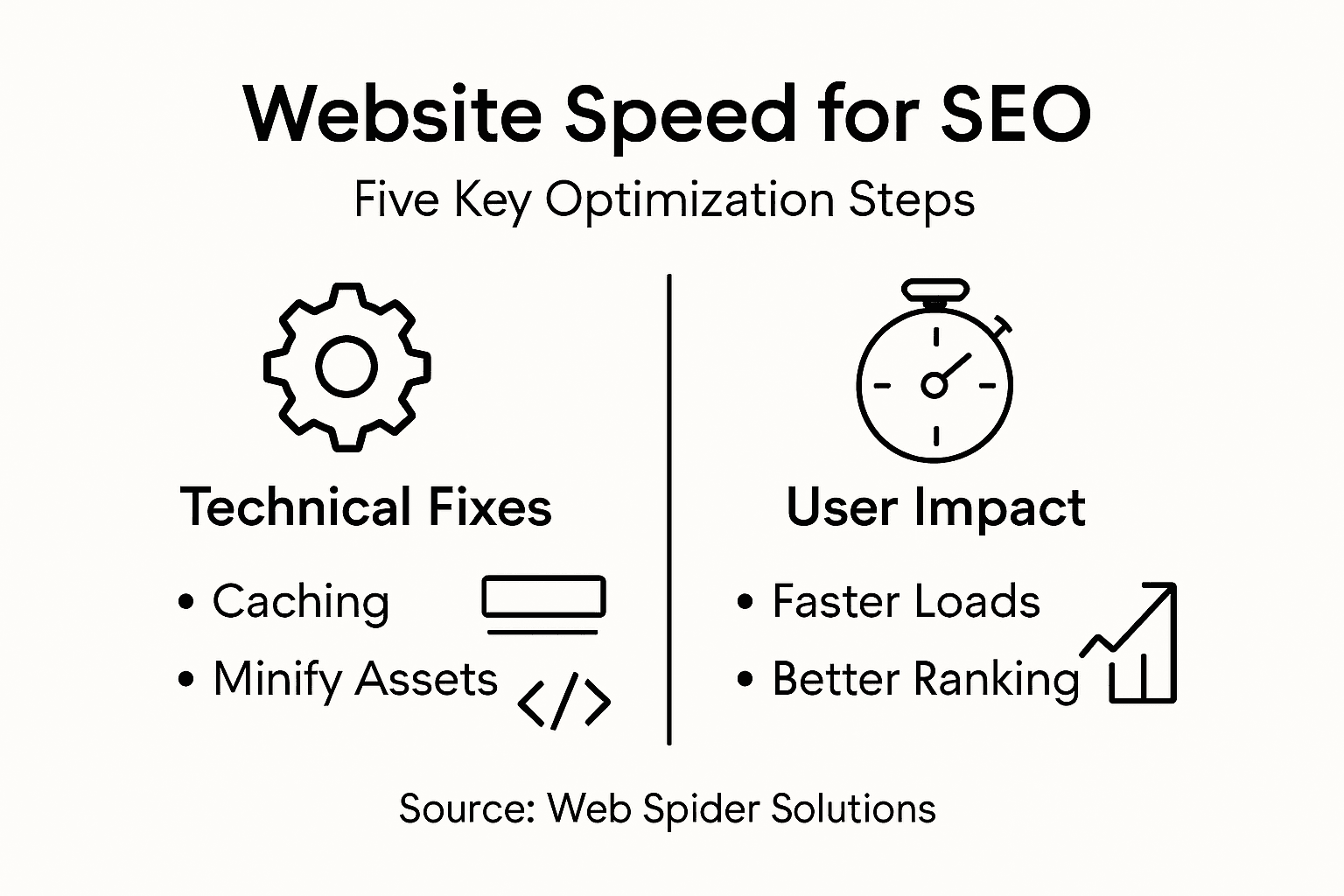
The following table summarizes the performance benefits of essential optimization techniques:
| Technique | Potential Load Time Improvement | SEO or UX Impact |
|---|---|---|
| Asset Minification | Up to 50% reduction | Higher SEO rankings |
| Advanced Image Optimization | Up to 70% faster load | Lower bounce rates |
| CDN and Edge Caching | 30-50% faster delivery | Global audience satisfaction |
| Server/Browser Caching | Smoother repeat visits | Improved page speed scores |
Step 5: Verify improvements with speed testing tools
Validating your website’s performance optimization requires systematic testing using professional web performance analysis tools. Comprehensive speed testing helps you quantify the impact of your optimization efforts and identify any remaining performance bottlenecks.
Utilize multiple testing platforms to get a comprehensive view of your website’s performance. Your testing strategy should include:
- Run Google PageSpeed Insights tests
- Conduct Pingdom Website Speed Test
- Analyze Core Web Vitals metrics
- Test from multiple global locations
- Compare performance before and after optimization
When analyzing test results, focus on key performance metrics like First Contentful Paint, Largest Contentful Paint, and Total Blocking Time. Pay attention to both mobile and desktop performance scores, as each platform may present unique challenges. Look for actionable recommendations that can further improve your website’s speed and user experience.
A systematic approach to performance testing can reveal optimization opportunities that significantly enhance your website’s overall efficiency.
Pro tip: Schedule monthly performance audits to continuously monitor and improve your website’s speed and user experience.
Boost Your Website Speed for Lasting SEO Success
Struggling with slow load times and complex asset issues can hold your site back from reaching its full SEO potential. This article highlights critical pain points like unoptimized images, lack of caching, and poor server response times that directly affect your search rankings and user experience. If improving Core Web Vitals and reducing page load time feels overwhelming, you are not alone. Many businesses face these challenges while striving to deliver fast, engaging websites that satisfy both users and search engines.
At Web Spider Solutions, we specialize in turning these technical obstacles into growth opportunities. Our tailored solutions include expert SEO strategies, web development optimizations, and content marketing services designed specifically to enhance website speed and boost organic visibility. Delve deeper into success stories by visiting our Stories Archives. Ready to transform your website’s performance and climb search rankings with proven techniques? Start today by exploring our comprehensive digital marketing services and schedule a free SEO consultation at Web Spider Solutions. For insights on cutting-edge technology that complements speed optimization, check out our Artificial Intelligence Archives.
Frequently Asked Questions
How can I assess my website’s current speed and performance bottlenecks?
To assess your website’s speed and performance bottlenecks, use professional performance analysis tools to generate speed reports. Evaluate critical metrics, such as Time to First Byte and Largest Contentful Paint, to identify specific issues affecting your site’s loading speed.
What caching strategies should I implement for website speed optimization?
Implement both browser and server-side caching to store static resources efficiently. Focus on leveraging browser caching for static assets, enabling gzip compression, and using content delivery networks (CDNs) to reduce page load times by potentially 50%.
How do I optimize images for enhanced website performance?
To optimize images, convert them to modern formats like WebP and use appropriate image dimensions. Implement responsive image techniques and enable lazy loading to ensure faster loading speeds across various devices, which can result in a 70% reduction in load times.
What role does a Content Delivery Network play in website speed improvement?
A Content Delivery Network reduces content delivery times by caching your website’s resources closer to users around the world. Choosing a CDN can enhance your website’s global accessibility and improve loading speed by 30-50%.
How should I verify the improvements made to my website’s speed?
Verify your website’s speed improvements by conducting systematic testing with professional speed analysis tools. Run tests from multiple locations and compare performance before and after optimizing to identify remaining bottlenecks and opportunities for further enhancements.