








Most American SaaS companies discover that users form an opinion about website credibility within 0.05 seconds. For digital marketing managers worldwide, gaining an edge means refining your website with data-driven decisions that cater to user expectations and business goals. This guide shows actionable steps to assess site objectives, tailor design strategies, and verify usability so your team can create a web platform that wins both trust and conversions.
Table of Contents
- Step 1: Assess Current Site Goals And Audience Needs
- Step 2: Establish Core Design Principles And Layout
- Step 3: Implement Responsive And Accessible Elements
- Step 4: Optimize Page Speed And Media Usage
- Step 5: Verify User Experience With Testing Tools
Quick Summary
| Key Insight | Explanation |
|---|---|
| 1. Audit Existing Website Goals | Perform a thorough analysis of current performance metrics to understand areas needing improvement and align with business objectives. |
| 2. Create Detailed User Personas | Develop in-depth profiles of your target audience to understand their motivations, needs, and digital behaviors for better design alignment. |
| 3. Implement Responsive Design Techniques | Utilize fluid grids and flexible images to ensure the website functions effectively across devices and provides a positive user experience. |
| 4. Optimize Media for Page Speed | Compress images and use lazy loading to enhance loading times, ensuring a smooth and engaging user experience on your site. |
| 5. Conduct Comprehensive User Testing | Employ both automated and manual testing methods to gather insights on user interactions and identify potential usability issues effectively. |
Step 1: Assess current site goals and audience needs
Understanding your website’s strategic objectives and target audience requires a systematic approach that goes beyond surface level insights. Thorough website research methodologies provide the foundation for creating a digital experience that truly resonates with your users.
Begin by conducting a comprehensive audit of your existing website goals. This involves examining your current digital strategy through multiple lenses: business objectives, user expectations, and performance metrics. Break down your assessment into key components such as conversion rates, user engagement patterns, traffic sources, and content effectiveness. Analyze website analytics to identify where users spend most time, which pages generate the most interaction, and where potential drop-off points exist.
Next, develop a detailed user persona that captures the nuanced characteristics of your target audience. This means going beyond basic demographic information and diving deep into their motivations, pain points, and digital behaviors. Use surveys, user interviews, and behavioral data to create a multidimensional understanding of who your users are and what they truly seek from your digital platform.
Pro tip: Consider using heatmap and session recording tools to gain unfiltered insights into how users actually interact with your website, revealing behaviors that traditional analytics might miss.
Step 2: Establish core design principles and layout
Designing an effective website requires a strategic approach that balances aesthetic appeal with functional clarity. Structured design principles provide a framework for creating digital experiences that are both visually engaging and user-friendly.

Start by defining a consistent visual hierarchy that guides user attention and facilitates intuitive navigation. This means establishing clear patterns for headings, subheadings, body text, and interactive elements. Choose a color palette that reflects your brand identity while ensuring sufficient contrast for readability. Implement a responsive grid system that adapts seamlessly across different device sizes, maintaining visual coherence and functionality whether viewed on desktop, tablet, or mobile devices.
Prioritize whitespace and visual breathing room to prevent cognitive overload. Your layout should create natural visual pathways that lead users through content without overwhelming them. Consider the psychological principles of visual perception map out how users will naturally scan and interact with different page elements. Group related content logically, use clear typography, and ensure that critical information stands out without competing with peripheral design elements.
Pro tip: Create multiple low fidelity wireframes to test different layout configurations before committing to a final design, allowing you to experiment with user flow and information architecture.
Step 3: Implement responsive and accessible elements
Creating a website that works seamlessly across multiple devices and accommodates diverse user needs requires a strategic and comprehensive approach. Responsive web design challenges underscore the complexity of developing truly inclusive digital experiences.
Begin by implementing a fluid grid system that dynamically adjusts layout and content proportions based on screen size and device capabilities. Use flexible image techniques like max-width percentages and responsive image attributes to ensure visual elements scale appropriately without losing quality or breaking page layouts. Focus on creating touch-friendly interface elements with adequate spacing for mobile interactions, ensuring buttons and interactive zones are large enough for comfortable finger navigation.
Address accessibility by integrating robust semantic HTML structures that provide clear hierarchical information for screen readers and assistive technologies. This means using appropriate heading levels, meaningful alternative text for images, and ensuring color contrast meets Web Content Accessibility Guidelines (WCAG) standards. Implement keyboard navigation support, provide text alternatives for multimedia content, and design form elements with clear labels and error messaging that can be understood by users with various cognitive and sensory capabilities.
Pro tip: Leverage automated accessibility testing tools during development to identify and resolve potential barriers, but always complement these with manual user testing involving individuals with different abilities.
Step 4: Optimize page speed and media usage
Website performance is a critical factor in maintaining user engagement and satisfaction. Web page performance frameworks reveal complex interactions between technical metrics and user experience that directly impact website effectiveness.
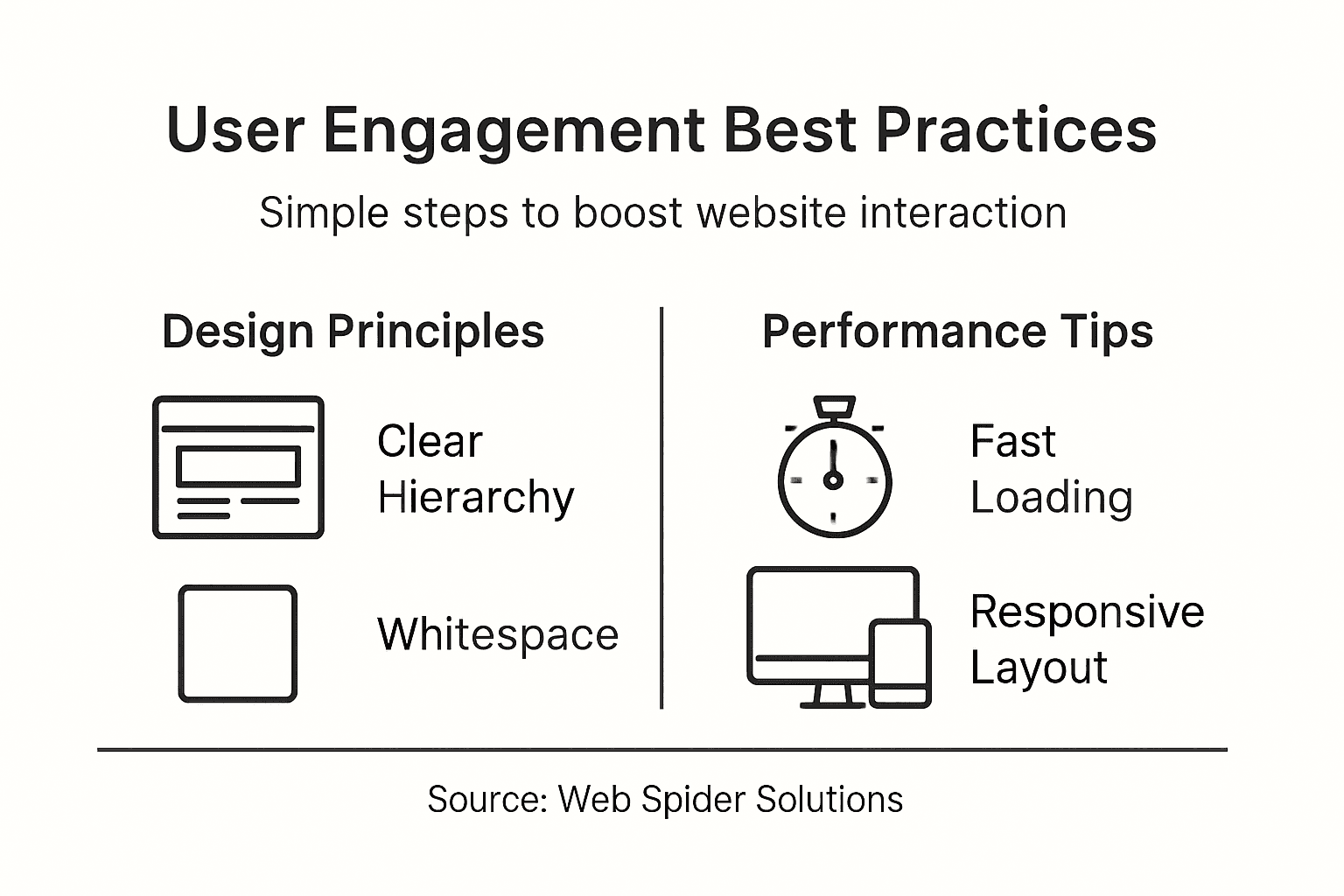
Start by aggressively compressing and optimizing all media files. Use modern image formats like WebP that provide superior compression without sacrificing visual quality. Implement lazy loading for images and videos to ensure content loads progressively as users scroll, reducing initial page load times. Consider using responsive image techniques that serve appropriately sized images based on device screen dimensions, preventing unnecessary bandwidth consumption and improving overall performance.
Utilize content delivery networks (CDNs) to distribute your website assets across multiple global servers, reducing latency and improving load speeds for users in different geographic locations. Minimize and compress JavaScript and CSS files, removing unnecessary code and leveraging browser caching strategies. Prioritize critical rendering paths by deferring non essential scripts and styling, ensuring that the most important content loads quickly and provides an immediate visual response to users.
Pro tip: Regularly conduct performance audits using tools like Google PageSpeed Insights to identify and address potential speed bottlenecks before they impact user experience.
Here’s a quick comparison of website optimization techniques and their impact on user experience:
| Optimization Technique | User Experience Impact | Business Benefit |
|---|---|---|
| Image compression | Faster page loads | Lower bounce rates |
| Lazy loading | Quicker content display | Higher engagement |
| Content Delivery Network | Improved global speed | Expanded reach |
| Script minification | Reduced load time | Greater retention |
Step 5: Verify user experience with testing tools
Evaluating website usability requires a systematic approach that goes beyond surface level assessments. Usability testing frameworks provide critical insights into how users interact with your digital platform.
Deploy a comprehensive testing strategy that combines both automated and manual user experience evaluation methods. Utilize heat mapping tools to visualize user interaction patterns, tracking mouse movements and click behaviors across different pages. Implement session recording software to capture real user journeys, identifying potential friction points or areas of confusion in your website navigation and design. Conduct A/B testing on critical user interface elements such as call to action buttons, form layouts, and navigation menus to understand which design variations generate more engagement and smoother user interactions.
Engage in direct user testing by recruiting participants who represent your target audience demographic. Create scenarios that simulate realistic user interactions and carefully observe how individuals navigate through your website. Pay close attention to metrics like time to complete tasks, number of clicks required, and subjective feedback about ease of use. Supplement these qualitative insights with quantitative data from web analytics platforms to develop a holistic understanding of user experience performance.
Pro tip: Consider creating a diverse testing panel that includes users with different technical abilities and potential accessibility needs to ensure your website truly works for everyone.
This table summarizes key user testing tools and the unique insights they provide:
| Testing Tool | Insight Provided | Ideal Application |
|---|---|---|
| Heatmapping | Click and attention areas | Optimizing navigation |
| Session recording | Behavioral flow analysis | Identifying friction |
| A/B testing | Variant performance data | Improving conversions |
| User panel testing | Real-world feedback | Ensuring usability |
Elevate User Engagement with Expert Web Design and Digital Marketing
The challenge with higher user engagement often stems from disjointed web design principles and slow site performance as discussed in this article’s best practices. Visitors seek seamless navigation, accessible content, and fast loading speeds. When these pain points are not addressed, businesses risk losing valuable traffic and conversions. Your website needs a strategic balance of responsive design, optimized media, and thorough user experience testing to truly resonate with your audience.
At Web Spider Solutions, we understand these critical aspects. Our tailored web design services combine technical SEO, user-centric design, and data-driven strategies to boost customer interaction and satisfaction. Explore success stories in our Stories Archives to find how we have transformed digital experiences. Curious about integrating advanced technologies or AI into your design? Visit our Artificial Intelligence Archives for insights and solutions.
Ready to put these web design best practices into action and see measurable growth now Visit Web Spider Solutions to schedule a free consultation and take control of your digital future today.
Frequently Asked Questions
What are some effective design principles for increasing user engagement?
To enhance user engagement, establish a clear visual hierarchy, use consistent typography, and maintain an intuitive navigation structure. Focus on creating a responsive design that extends across all devices, ensuring that your layout adapts to screens of different sizes.
How can I assess the current performance of my website regarding user engagement?
Conduct a comprehensive audit of your website’s analytics to identify conversion rates, traffic sources, and user engagement patterns. Utilize user session recordings and heatmaps to spot areas where users may be losing interest or encountering obstacles.
What steps can I take to ensure my website is accessible to all users?
Incorporate semantic HTML, provide meaningful alternative text for images, and ensure your color contrast meets accessibility standards. Regularly test your site with users who have varying abilities to identify and resolve any accessibility issues.
How can I optimize my website’s loading speed to improve user experience?
Compress your images and implement lazy loading techniques to ensure that media files only load when needed. Aim to decrease loading times by at least 30% to reduce bounce rates and improve user satisfaction.
What methods should I use to test and verify user experience effectively?
Implement a mix of automated tools and manual testing strategies, such as heatmapping and A/B testing. Gather feedback from real users by simulating typical usage scenarios, allowing you to identify friction points and areas for improvement in your design.
What can I do to engage users more effectively on my website?
Focus on delivering high-quality, relevant content that addresses your audience’s motivations and pain points. Test different content formats and layouts to see which options yield the highest levels of user interaction.